
CRONVI BUTTON / QUICK START
Connect. Pair. Start.
Set up your CRONVI Button in three simple steps.
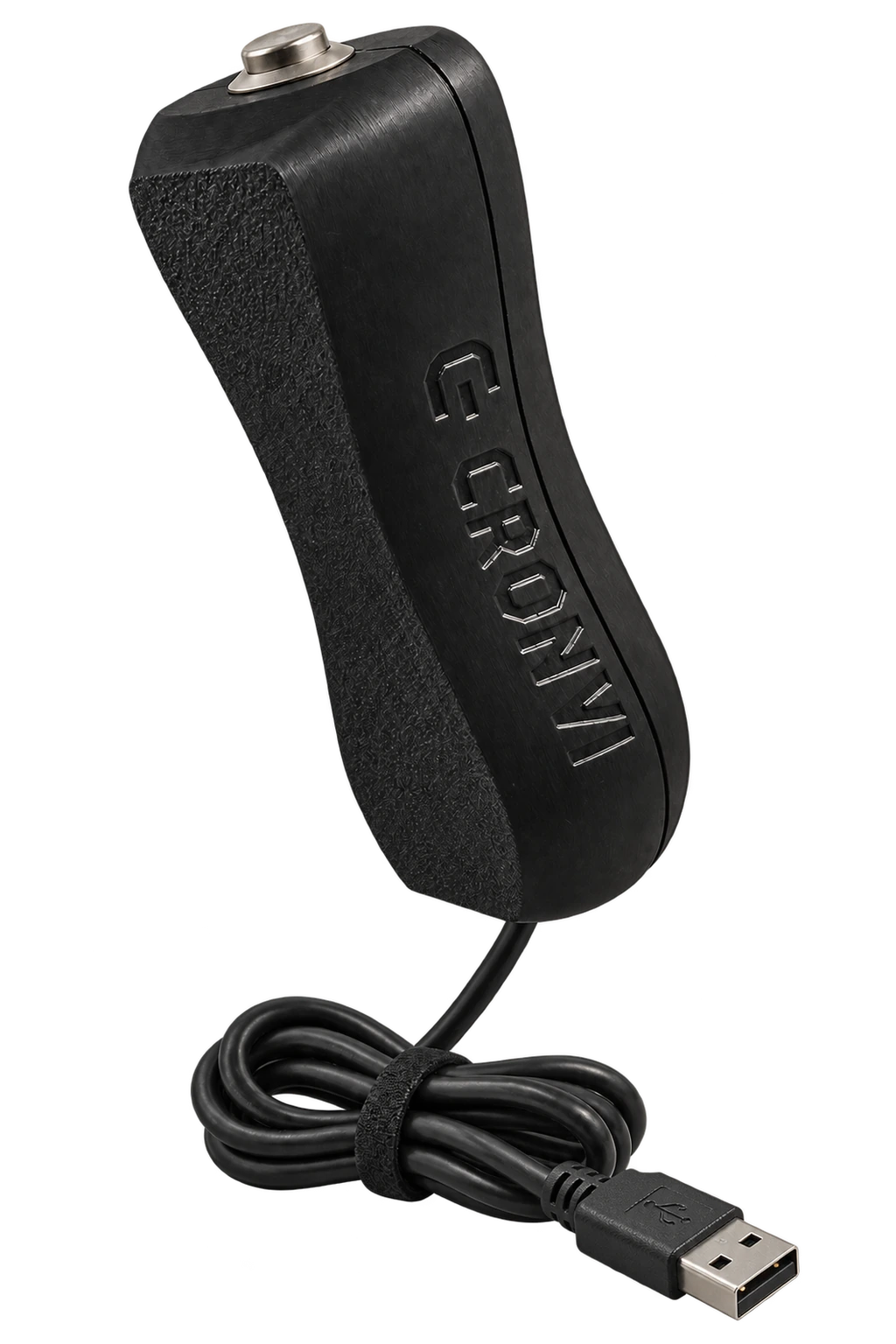
SETUP
Ready in a few moments.
-
01
Connect CRONVI via USB
Connect the CRONVI Button USB cable to a powered USB port.
-
02
Pair it with your phone
Open your phone's Bluetooth settings and pair it with CRONVI.
-
03
Open the CRONVI app
Open the app and start using the button.
CONNECTION CHECK
Look for the green Bluetooth icon.
Open Settings in the CRONVI app and run the button test. When the button is paired correctly, the Bluetooth icon appears green.
Connected
NEED HELP?
Check these three things.
- Make sure CRONVI is connected to USB power.
- Make sure Bluetooth is active on your phone.
- Check that CRONVI appears among your phone's paired devices, then repeat the test in the app.